Why Do Government Exam Portals Have Such Strict Photo Size Limits?
Every year, millions of students across India sit down to fill out government exam forms — SSC CGL, SSC CHSL, RRB NTPC, IBPS PO, SBI Clerk, and many more. And every year, a surprisingly large number of them get stuck at the same frustrating step: uploading their photo and signature.
The portal throws an error. The file is 'too large.' Or it says 'invalid format.' Suddenly, the form that should take 30 minutes turns into a 3-hour ordeal of resizing, converting, and re-uploading. If this sounds familiar, you're in the right place. This guide covers everything about using an online photo compressor for SSC, Railway, and Banking exams — the tools to use, the exact steps to follow, and the mistakes you absolutely must avoid before hitting that submit button.
Before jumping into the details, it helps to understand why government exam portals have such strict photo size limits. SSC alone receives over 30 lakh applications for a single exam cycle. Railway recruitment boards get even more. If every applicant uploaded a 3–5MB photo, the servers would need to store petabytes of data just for profile pictures. It would slow down the entire system and make verification a nightmare.
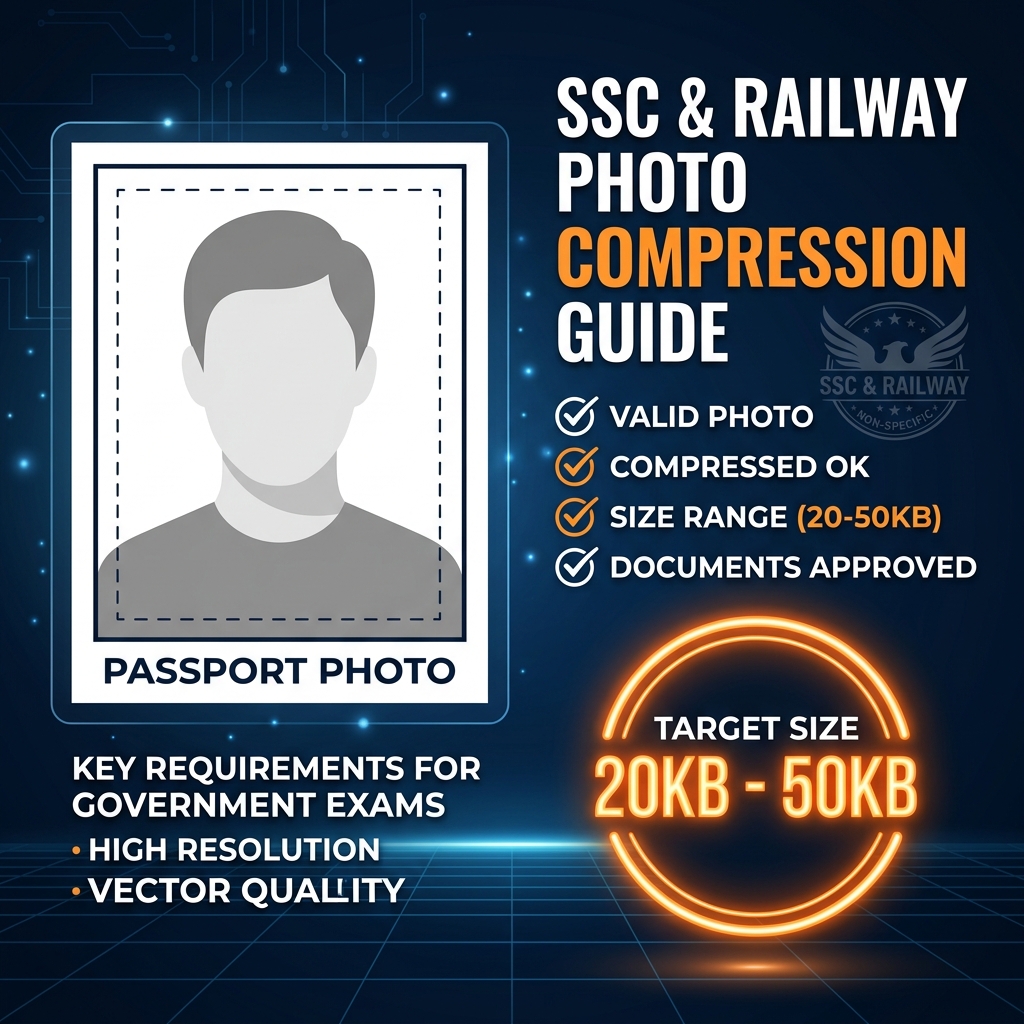
That's why every major government recruitment portal sets strict limits: SSC wants photo between 20KB and 50KB and signature between 10KB and 20KB, RRB wants photo up to 50KB and signature up to 20KB, and banking portals like IBPS and SBI generally want photo between 20KB and 50KB and signature between 10KB and 20KB. All portals strictly require JPEG format. Learning how to hit this target is a one-time skill that will serve you across dozens of exam applications throughout your career.
What Is an Online Photo Compressor and How Does It Work?
An online photo compressor is a free web-based tool that reduces the file size of your image without you needing to install any software. You simply upload your photo, the tool processes it, and you download a smaller version.
These tools work by doing two main things. First, they reduce image quality slightly. JPEG images store color information at different levels of detail. A 100% quality JPEG contains far more data than a 60% quality JPEG, but to the human eye at passport photo size, the difference is barely noticeable. Second, they strip unnecessary metadata. Your phone camera embeds hidden data in every photo such as GPS location, camera model, date, lens info, and more. This metadata can add 50–200KB to a file. Good compressors strip this invisible data out, reducing file size without touching the visible image at all. The result is a photo that looks almost identical to the original but is a fraction of the size.
Best Free Online Photo Compressors for Exam Forms
Here are the most reliable tools used by students and exam aspirants across India.
CompressJPEG.com is the most widely recommended tool in coaching communities. You drag and drop your image, and it automatically compresses it to an optimal size. The best part is that it shows you the before and after file sizes side by side so you know exactly what you're getting. You upload your photo, wait 2–3 seconds for compression, and download to save. If the result is still above 50KB, you can click the compressed image and use the quality slider to push compression further.
TinyPNG or TinyJPG handles JPEG files perfectly using smart lossy compression techniques to reduce file size while preserving visual quality. It's especially popular because it works seamlessly on smartphones which is important for students filling forms on their phones.
Squoosh by Google is a powerful free tool. It gives you a live side-by-side preview where the left shows the original and the right shows the compressed version, allowing you to adjust quality in real time. It even lets you set a target file size directly, which is perfect when you need to hit exactly under 50KB.
iLoveIMG.com does more than just compress — it also lets you resize images by pixel dimensions. This is useful when your photo is very large and compression alone isn't enough to bring it under 50KB. You can resize it to 200×230 pixels first, then compress, and you'll easily hit the target.
ResizePixel.com is unique because it lets you type in a target file size, such as '45KB', and it automatically figures out the right compression level to hit that number. For aspirants who want to take the guesswork out entirely, this is the go-to tool.
Step-by-Step: How to Compress Your Photo for SSC, Railway, or Banking Form
Here's a clear, foolproof process you can follow right now. Step 1: Get a passport-size photo clicked against a plain white or light background. If you're scanning a physical photo, scan it at 200 DPI which provides enough resolution without making the file unnecessarily large. Step 2: Check the original file size before doing anything. On Windows, right-click and choose Properties. On Android, long-press the image and view Details. On iPhone, swipe up on the photo in the Photos app.
Step 3: Open your chosen online tool such as Squoosh.app. Step 4: Click Upload or drag your file into the browser window. Step 5: The tool will show you the compressed file size. If it's under 50KB and above 20KB, you're done. If it's still above 50KB, use the quality slider or run it through the tool a second time.
Step 6: Download the compressed file. Step 7: Check dimensions. Some portals specify minimum pixel dimensions too. Open the downloaded image, right-click, choose Properties, go to Details, and check width and height in pixels. Step 8: Repeat the same process for your signature image. Signature limits are usually stricter, between 10KB and 20KB, so you may need to compress more aggressively.
Special Tips for Each Exam
For SSC Exams including CGL, CHSL, MTS, and GD, the forms are hosted on ssc.nic.in. The portal is known to be strict about both file size and file format. Even if your file is under 50KB, it may be rejected if it's saved as PNG instead of JPEG. Always use 'Save as JPEG' when downloading your compressed image.
For Railway Exams such as RRB NTPC, Group D, and ALP, portals sometimes have slightly different limits for different recruitment zones. Always read the official notification for that specific RRB zone. The central limit is usually photo under 50KB and signature under 20KB, but zone-level notifications may differ.
For Banking Exams like IBPS PO/Clerk, SBI PO/Clerk, and RBI, the portals are relatively modern and user-friendly. They often show a live preview of your uploaded photo so you can see exactly what will appear on your admit card. If the preview looks clear and the file is accepted, you're good. SBI also sometimes accepts slightly higher file sizes up to 100KB for photos, so check the official notification.
Common Errors and How to Fix Them
If you receive the error 'File size exceeds the limit', it means your compressed file is still too large. Run it through the compressor again or use ResizePixel to set an exact target size.
If the portal says 'Invalid file format', you may have saved the image as PNG or WebP. Open it in Paint, go to File, Save As, select JPEG, then try again.
If you get 'Image dimensions are not acceptable', the photo is either too small or too large in pixels. Aim for 200–400 pixels wide and 230–500 pixels tall for most portals.
If the 'File upload failed' repeatedly, this is often a browser issue rather than a photo issue. Try switching to Google Chrome or clearing your browser cache before reuploading.
Should You Use a Mobile App Instead?
If you're filling out forms on your smartphone, mobile apps can be more convenient than browser-based tools. Good options include Photo Compress & Resize on Android, Compress Images on iOS, and Image Size on both iOS and Android. That said, online tools work perfectly well on mobile browsers too. Just open the tool in Chrome or Safari on your phone and the process is identical.
Final Checklist Before Uploading
Before you upload your photo to any exam portal, run through this quick checklist: Check that the file size is between 20KB and 50KB, and verify that the file format is JPEG or JPG (not PNG, HEIC, or WebP). Make sure the photo dimensions meet the minimum pixel requirement, the background is plain white or light-colored, your face is clearly visible and front-facing without sunglasses, the photo is recent within the last 6 months, and your signature is on white paper, clearly written without smudges.
Expert Optimization Tip
"Set your target weight 2KB to 5KB below the maximum portal limit (e.g. 45KB for a 50KB limit) to avoid minor estimation discrepancies across different portal checking algorithms."